
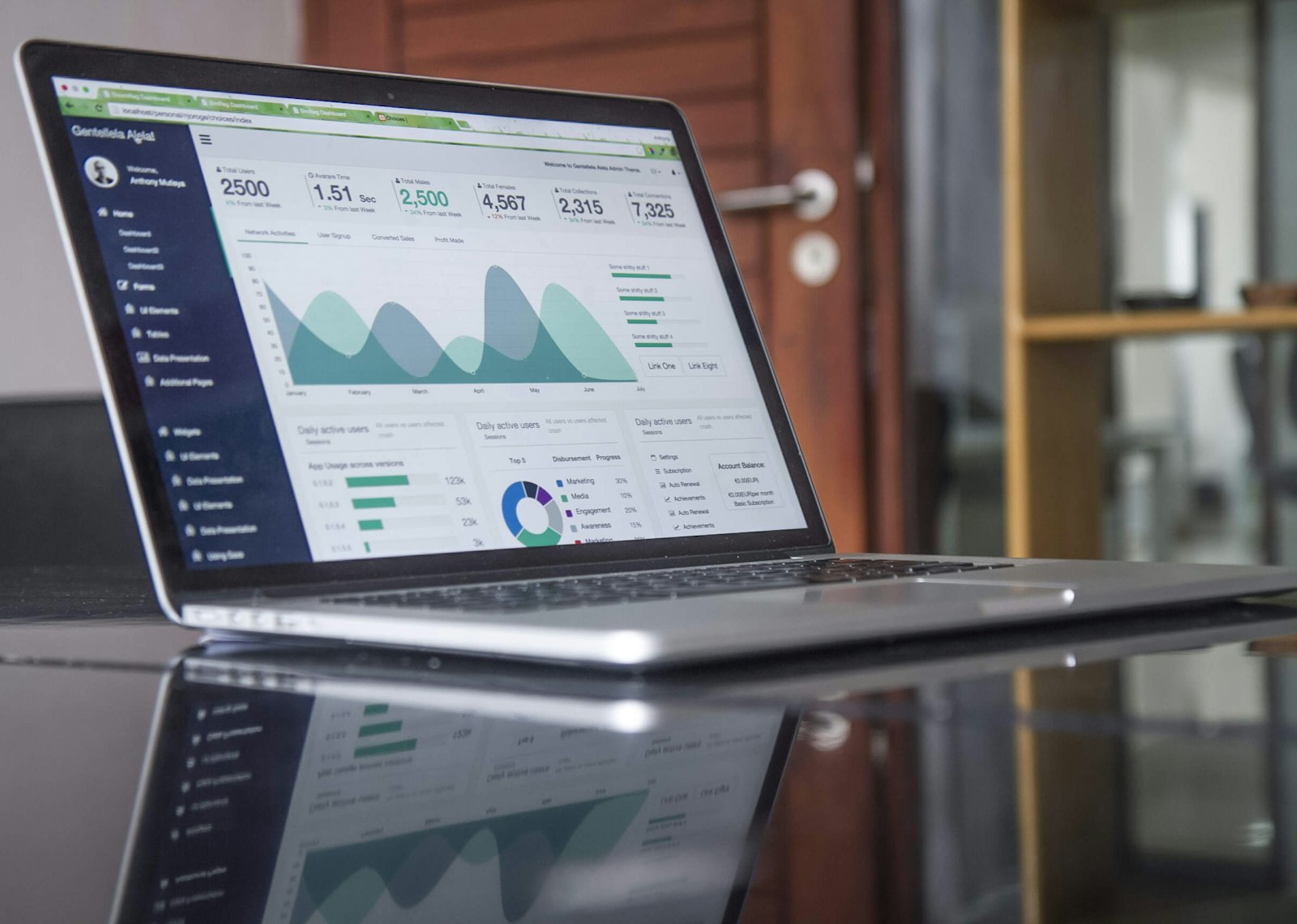
You’ve just opened the monthly Google Ads report. Clicks are up. Cost per click is down. There’s a chart with a green arrow on it. And yet you still can’t answer the only question that matters: did any of this turn into money in the bank?
If that’s you, the problem usually isn’t the ads. It’s the measurement. Most Google Ads accounts we review for Brisbane businesses stop measuring at exactly the point where the useful information starts.
Clicks, leads and revenue are three different scoreboards
A click means someone visited your website. A lead means someone made an enquiry, filled in a form or picked up the phone. Revenue means an invoice was raised and paid. Google Ads reports the first automatically, half-tracks the second if someone set it up properly, and knows nothing about the third unless you deliberately connect your sales data back to it.
Owners get burned because these three numbers can move in completely different directions. Clicks can double while sales fall. Cost per lead can drop while the leads themselves get worse. The scoreboard you’re shown and the scoreboard that pays wages are not the same thing.
| Metric | What it proves | What it hides |
|---|---|---|
| Clicks | Someone saw the ad and acted | Whether they were ever a buyer |
| Leads | Someone made contact | Lead quality, spam, tyre kickers |
| Revenue | Money actually changed hands | Nothing. This is the answer |
Where the reporting gap hides underperformance
The reporting gap is the space between what Google Ads measures and what your business banks. A campaign can look healthy on every metric in the platform while quietly producing enquiries that never buy, because the platform’s job ends at the enquiry.
A pattern we keep seeing in account reviews: the “conversions” column is padded with things that aren’t customers. Job applicants who used the contact form. Spam submissions. Existing customers looking for the phone number. People clicking the ad by accident on a phone. One services business we reviewed had a conversion count that looked strong, but once we matched form fills against actual quotes issued, roughly half the tracked conversions had no path to revenue at all.
Nobody was lying. The report was technically accurate. It just measured the wrong thing.
This gap suits everyone except you. It lets an underperforming campaign look busy, and busy looks like progress.
How do I see if my Google Ads are working?
You see if Google Ads is working by following the money in one direction: from ad spend, to enquiry, to quote, to paid invoice, and then comparing cost per sale against your gross margin. Everything else is supporting detail. Here’s how to build that view in four steps.
Step 1: Decide what counts as a conversion, and be strict
A conversion should be a genuine sales enquiry from someone who could plausibly buy. Not a page view. Not a newsletter signup. Not a click on the phone number that never became a call. If your account currently counts anything softer than a real enquiry, your cost per lead figure is fiction.
Step 2: Tag every lead with its source at the point of entry
Every enquiry needs a source recorded the moment it arrives. That means a hidden source field on your web forms, call tracking on the number shown to ad traffic, and a simple “how did you hear about us” question your team actually asks. Without this, you cannot separate an ads lead from a referral, and the whole exercise collapses.
Step 3: Follow each lead through to a closed outcome
Once a month, sit down with the lead list and mark each one: quoted, won, lost, spam, or still open. This takes an hour in most small businesses. It’s the hour almost nobody spends, and it’s the hour that tells you the truth.
Step 4: Work out cost per sale and hold it against your margin
Divide the month’s ad spend by the number of sales those ads produced. If that number is comfortably below the gross profit on an average sale, the ads are working. If it isn’t, they’re not, no matter what the click charts say.
What a working account looks like in dollars
A working account is one where the cost of winning a customer sits well under the gross profit that customer brings in. Here’s the working with conservative round numbers.
- Monthly spend: $3,000
- Average cost per click: $3, so about 1,000 clicks
- 5% of visitors enquire: 50 genuine leads
- You win 1 in 5: 10 new customers
- Cost per sale: $3,000 divided by 10 = $300
Now the part Google can’t tell you. If your average job carries $1,200 of gross profit, you’re paying $300 to earn $1,200 and the campaign is clearly earning its keep. If your average job carries $250 of gross profit, you’re losing $50 on every sale the ads generate, and the more the campaign “succeeds”, the more it costs you.
Same ads. Same report. Opposite verdicts. Only your margin data settles it, which is why this can never be answered inside the ads platform alone.
The habits that keep owners guessing
A few things we see over and over when businesses ask us whether their ads are paying off.
Counting everything as a conversion. If spam and job applicants sit in the conversion column, cost per lead looks great and means nothing.
Ignoring the phone. In trades and services around Brisbane, a large share of ad enquiries arrive as calls, not forms. If calls aren’t tracked, you’re judging the campaign on a fraction of its output, sometimes flattering, sometimes brutal, always wrong.
Judging on averages across the whole account. One profitable campaign can hide three losing ones. Break results down by campaign at minimum, by keyword theme if you can.
Letting whoever runs the ads mark their own homework. Not because agencies are dishonest, but because they can only report on the numbers they can see, and they can’t see your invoices. The revenue join has to happen on your side of the fence, or with an advisor who can sit across both.
Giving up too early, or too late. New campaigns need a couple of months of clean data before a fair verdict. Old campaigns that have never been reconciled against sales don’t deserve another year of benefit of the doubt.
Questions owners ask about Google Ads performance
How do I see if my Google Ads are working?
Track every ad-generated enquiry through to a closed sale, then divide your monthly spend by the number of sales won. If that cost per sale is well under the gross profit of an average sale, the ads are working. The Google Ads dashboard alone cannot answer this because it doesn’t hold your revenue data.
Why isn’t my Google Ads working?
The most common causes, in the order we find them: conversion tracking that counts junk as leads, ads sending traffic to a weak landing page, budget spread across keywords that attract researchers rather than buyers, and a sales process that’s slow to respond to enquiries. Often the ads are fine and the leak is after the click.
Is $20 a day good for Google Ads?
It depends entirely on what a click costs in your market. At $20 a day (roughly $600 a month), competitive service keywords in Brisbane might only buy you a handful of clicks a day, which means data arrives slowly and verdicts take months. It can absolutely work for tightly targeted local campaigns, but expect a slow read, not a slow result you should panic about.
How long should I run Google Ads before deciding they don’t work?
Give a new campaign two to three months with clean conversion tracking in place before making a call. Judging in week two is guessing, but if you’ve run ads for a year without ever reconciling spend against sales, you’re overdue rather than premature.
Can my agency’s monthly report tell me if the ads are profitable?
Not on its own. An agency report shows clicks, cost per click and tracked conversions, which is everything on Google’s side of the fence. Profitability needs your sales and margin figures joined to that data, and that join has to be built deliberately.
What’s a good conversion rate for Google Ads?
As a rough benchmark, somewhere around 3% to 5% of ad clicks turning into genuine enquiries is respectable for most service businesses, though it varies widely by industry and landing page. A high conversion rate with a low close rate still loses money, so never read it in isolation.
Getting a straight answer on your account
If you’ve read this far and realised you can’t currently connect your ad spend to paid invoices, that’s normal. Most businesses can’t, and it’s fixable in a few weeks with the right tracking and a simple monthly reconciliation.
We review Google Ads accounts as part of our growth work, and because we also sit inside clients’ numbers on the operations side, we can join spend to revenue rather than stopping at the click. If you’d like a plain-English read on whether your ads are earning their keep, get in touch and we’ll start with a conversation, not a pitch.